Static Site Generator vs CMS: What's the Real Difference?
A static site generator pre-builds every page into fixed HTML files served instantly from a CDN with no database or runtime, while a traditional CMS assembles pages on demand by querying a database and running application code per visitor. This split shapes editing (file-based builds vs. browser-based instant publishing), hosting (simple static files vs. managed servers and databases), and collaboration (developer-centric vs. non-technical independence). Hybrid tools now blend CMS edit
Short answer: A static site generator pre-builds every page into fixed HTML files served instantly from a CDN with no database or runtime, while a traditional CMS assembles pages on demand by querying a database and running application code per visitor. This split shapes editing (file-based builds vs. browser-based instant publishing), hosting (simple static files vs. managed servers and databases), and collaboration (developer-centric vs. non-technical independence). Hybrid tools now blend CMS editing with static output.
static site generator vs cms differences
When you start looking for ways to publish a website, you'll quickly hit two fundamentally different approaches. One builds every page ahead of time and serves plain files. The other assembles each page on the fly, pulling content from a database the moment someone asks for it. Getting that core distinction straight helps you pick the right tool for the job, whether you're a solo developer or part of a marketing team that needs to move fast.
how static site generators work
A static site generator does its work before anyone visits. It takes your content-often written in simple text or Markdown files-runs it through templates, and spits out a complete set of fixed HTML files. Those files sit on a server or a CDN, ready to be handed over instantly. No database to query, no application code to execute, no server-side logic running when a request arrives. A traditional CMS works the other way around. It stores your content in a database, and every time a visitor lands on a page, the system spins up the application, fetches the right pieces, merges them with a template, and delivers the result. That dynamic rendering happens on every single visit.
editing workflow static site vs cms
The editing experience reflects that architectural split. In a typical static-site setup, you write or change content by editing a file, then you trigger a build step that regenerates the whole site or at least the affected pages. After the build finishes, you deploy the new files. It's a developer-friendly workflow that fits neatly into version control, but it asks contributors to be comfortable with command-line tools or at least a deployment pipeline. A CMS usually gives you a browser-based editor where you log in, make changes, and hit publish. The update goes live immediately because the next visitor simply pulls the fresh data from the database. That immediacy is a big reason non-technical teams gravitate toward a CMS.
Hosting and maintenance follow the same pattern. Because the output of a static site generator is just a pile of fixed files, you can put them almost anywhere-a basic web server, a cloud storage bucket, a global CDN-without worrying about keeping an application server or a database alive. There's no runtime to patch, no database to back up, and no scaling concerns when traffic spikes. A database-backed CMS needs a running application server and a database that stay available around the clock. That means more moving parts to monitor, more security surface to harden, and more infrastructure to scale when demand grows.
Collaboration is where the trade-offs get practical. A CMS with a built-in editor is generally easier for non-technical collaborators, since publishing doesn't require running a build-and-deploy pipeline. Content editors, marketers, and subject-matter experts can work independently, preview their changes, and go live without asking a developer for help. In a static-site workflow, those same people either need to learn the build process or rely on a developer to push updates. Some teams solve this by adding a headless CMS on top of a static generator, giving editors a friendly interface while still producing static files, but that adds another layer to manage.
The line between the two worlds has been blurring. Some modern platforms combine a CMS-style editor with static-site-speed output, generating static pages from content stored behind an editor or API. You get the authoring experience of a traditional CMS-visual editing, instant preview, role-based permissions-and the performance and simplicity of static hosting. These hybrid tools can be a sweet spot if you want editorial freedom without giving up the operational benefits of pre-rendered files.
choosing between static site generator and cms
So what should you do next? If your team is comfortable with code, version control, and a build step, and you value minimal infrastructure, a static site generator is a strong default. If you have content creators who need to publish on their own schedule without technical help, a traditional CMS or a hybrid platform will save a lot of friction. Think about who edits, how often content changes, and how much operational overhead you're willing to carry. The right choice isn't about which technology is better in the abstract; it's about which workflow matches the people and processes you already have.
Frequently asked questions
What is the fundamental difference between a static site generator and a traditional CMS?
A static site generator builds all pages ahead of time into fixed HTML files that are served directly from a server or CDN. A traditional CMS stores content in a database and dynamically assembles each page on every visit by querying the database, running application code, and merging content with templates at request time.
How does the content editing workflow differ between static site generators and a CMS?
With a static site generator, you edit content files locally, trigger a build process to regenerate the site, then deploy the new files. A CMS provides a browser-based editor where changes go live immediately upon publishing because the next visitor pulls fresh data from the database, requiring no build or deploy step.
What are the hosting and maintenance trade-offs between static sites and database-backed CMS platforms?
Static sites consist of plain files that can be hosted almost anywhere-basic servers, cloud storage, or CDNs-with no runtime to patch, database to back up, or scaling concerns during traffic spikes. A CMS requires a running application server and database available 24/7, adding infrastructure to monitor, secure, and scale.
Which approach is better for non-technical content editors and marketers?
A traditional CMS is generally easier for non-technical collaborators because it offers a visual browser editor, instant preview, and immediate publishing without needing to run builds or manage deployment pipelines. Static site workflows typically require command-line familiarity or developer assistance to push updates live.
What are hybrid platforms that combine CMS editing with static site output?
Some modern tools provide a CMS-style editing interface with visual editing, instant preview, and role-based permissions, but generate static HTML files for deployment. This gives editorial freedom and fast, simple static hosting while adding a layer to manage compared to a pure static generator or traditional CMS.

Character.AI Files Bankruptcy to Sell Assets to Disney
Character.AI filed for Chapter 11 bankruptcy to sell assets to Disney for $20 million amid legal and operational challenges. Disney acts as lead bidder, acquiring undisclosed assets, a nonexclusive IP license, and hiring former Character employees including ex-CEO Karandeep Anand. The sale, expected to close by early December, resembles an acquihire following Google's $2 billion talent acquisition in 2024. Character plans to maintain services but warned of potential wind-down if no sui

Google DeepMind Releases Gemini 4 Argon for Robotics
Google DeepMind released Gemini 4 Argon on October 13, 2026, a physical reasoning engine for robotics scoring 87% on the Embodied Reasoning QA test, beating other frontier models. Argon demonstrates four pillars: robot control (Spot quadruped, zero-shot arm manipulation), Real2Sim scene reconstruction, physical understanding with hindsight labeling, and self-improvement via simulation. The model aims to consolidate separate perception, planning, and simulation toolchains, though the 87
How to build a website on velocms.org (start to publish)
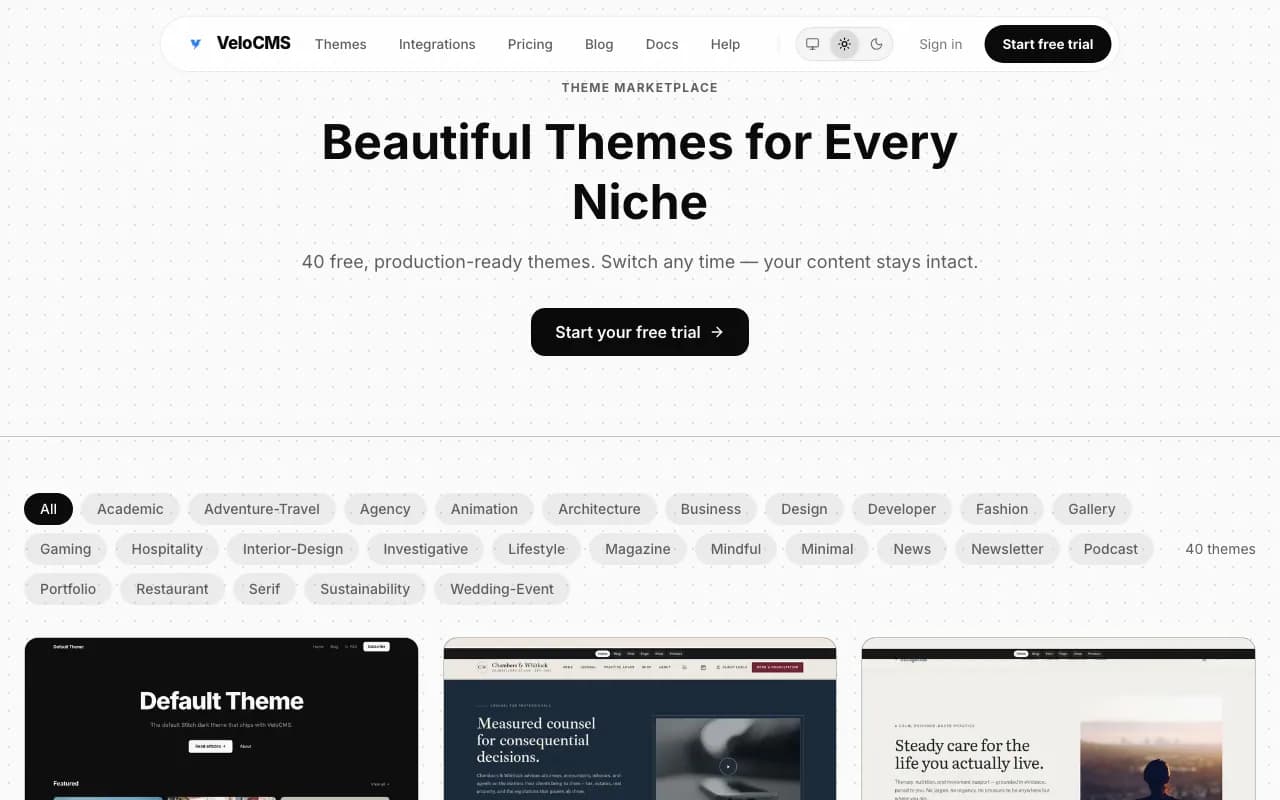
You sign up on velocms.org by entering your name, email, password, blog name and slug, then click Create Blog to open the admin area. You verify your email within 24 hours, start the 14-day trial from the dashboard or Billing page via Stripe Checkout, and are not charged until day 15. You pick a theme from Admin → Themes, preview it live, and apply it in two clicks without losing content.
NO COMMENTS YET
Comments are open. Have a thought or a question? Share it below.